Why Install Tor on iPhone
Tor protects your privacy by routing your internet traffic through multiple servers, making it difficult to trace your online activity. On iPhone, this becomes essential when using public WiFi networks or when you need enhanced privacy for sensitive communications. The Tor network encrypts your data at multiple layers, preventing ISPs and network administrators from monitoring your browsing habits. iPhone users benefit from the same privacy principles as desktop users, though the implementation differs due to iOS limitations.
Onion Browser: The Primary Option
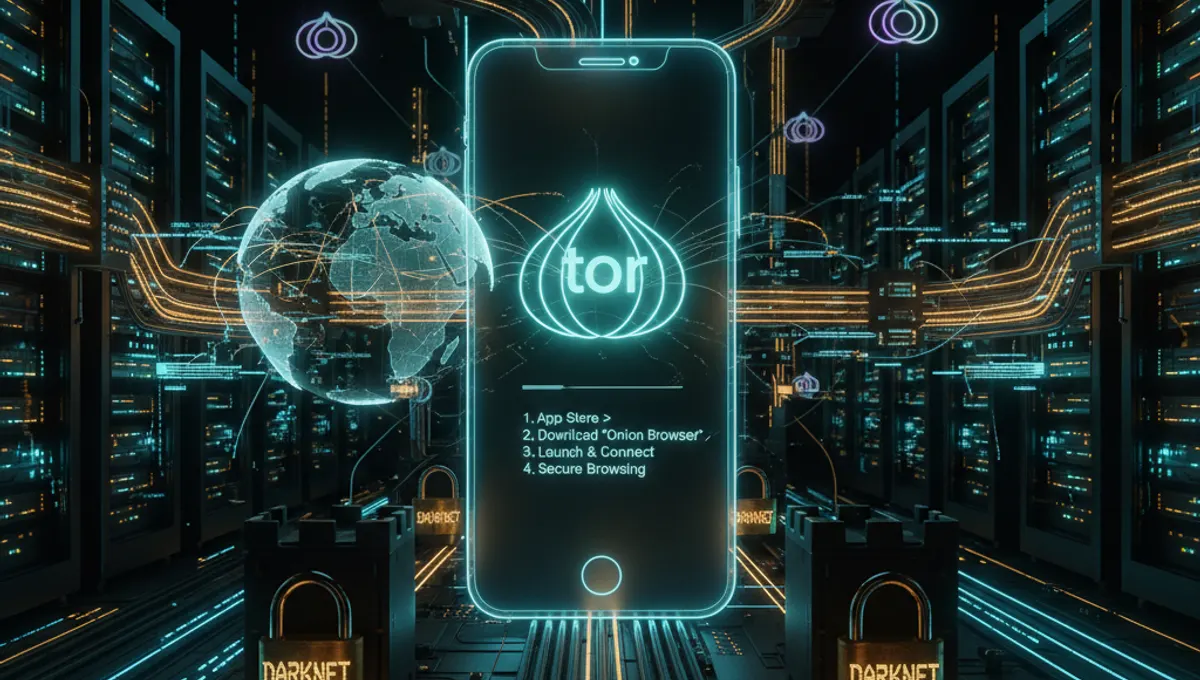
Onion Browser is the most straightforward way to access Tor on iPhone. Available on the Apple App Store, it's an open-source application specifically designed for iOS. Download Onion Browser from the App Store, launch it, and connect to the Tor network with a single tap. The app provides bridge support for users in restricted regions and allows you to configure connection settings. Once connected, your iPhone's web traffic routes through Tor automatically. The interface is intuitive, showing your connection status and allowing you to disconnect quickly if needed.
Alternative: Orbot for iOS
Orbot is another option for iPhone users seeking Tor connectivity. This app works differently than Onion Browser by creating a VPN-like connection that routes system-wide traffic through Tor. Download Orbot from the App Store, configure it, and enable the VPN setting in your iPhone's Settings app. Once activated, all compatible apps on your device can use Tor. This approach differs from how you'd install Tor on Android or Windows, where you have more direct control over individual applications. Orbot requires iOS 12 or later and works best with apps that support VPN connections.
Setup Process for Onion Browser
After downloading Onion Browser, open the app and tap the connect button. The app will establish a connection to the Tor network, which typically takes 10-30 seconds. Once connected, you'll see a confirmation message and can begin browsing. The app includes a built-in browser, so you don't need to configure additional settings. If you experience connection issues, try enabling bridges in the settings menu. Bridges help bypass network restrictions and can improve connection reliability. The app stores no browsing history by default, enhancing your privacy further.
Comparing iPhone to Other Platforms
Installing Tor on iPhone differs significantly from how to install Tor on Windows, Android, or Linux. Windows and Linux users can download the official Tor Browser directly, while Android users have the Tor Browser app and Orbot. iPhone's App Store restrictions prevent direct Tor Browser installation, making Onion Browser the closest equivalent. If you're familiar with how to install Tor on Android or Windows, expect a simpler but less feature-rich experience on iPhone. The core privacy protection remains the same across all platforms, though advanced configuration options are limited on iOS.
Security Considerations
Using Tor on iPhone provides strong privacy protection, but certain practices enhance security further. Avoid maximizing your browser window to prevent website fingerprinting. Disable JavaScript in Onion Browser settings for additional protection against tracking scripts. Don't install browser extensions that could compromise anonymity. Keep your iPhone updated with the latest iOS version to ensure security patches are applied. When using Tor, remember that the app protects your connection, but your behavior online still matters. Avoid logging into personal accounts while connected to Tor, as this defeats the anonymity purpose.
Troubleshooting Connection Issues
If Onion Browser fails to connect, restart the app and try again. Check your internet connection to ensure it's stable. If problems persist, enable bridges in the app settings, which can bypass network restrictions. Some networks block Tor traffic, making bridges essential. You can configure custom bridges if the built-in options don't work. If you're in a region with internet restrictions, bridges become particularly important. Update the app to the latest version, as updates often include fixes for connection problems. Contact the app's support community if issues continue after trying these steps.
Frequently asked questions
Can I install the official Tor Browser on iPhone?
No, Apple's App Store restrictions prevent the official Tor Browser from being available on iOS. Instead, use Onion Browser or Orbot, which provide Tor connectivity on iPhone. These apps are open-source alternatives designed specifically for iOS and offer similar privacy protection.
Is Onion Browser safe to use?
Yes, Onion Browser is open-source and regularly audited for security. It routes your traffic through the Tor network, providing strong privacy protection. Download it only from the official Apple App Store to ensure you're getting the legitimate version.
What's the difference between Onion Browser and Orbot?
Onion Browser includes a built-in browser and connects to Tor directly. Orbot creates a system-wide VPN connection that routes all compatible app traffic through Tor. Choose Onion Browser for simplicity or Orbot if you want multiple apps to use Tor simultaneously.
Does installing Tor on iPhone slow down my connection?
Yes, routing traffic through Tor adds latency and reduces speed compared to direct connections. This is normal and expected. The privacy benefits outweigh the speed reduction for most users. Connection speed depends on Tor network load and your internet speed.
Can I use Tor on iPhone while on public WiFi?
Yes, using Tor on public WiFi is actually one of its primary benefits. Tor encrypts your traffic, preventing network administrators or other users from monitoring your activity. This makes public WiFi significantly safer when using Tor.