Why You Can't Install Tor Directly on iPhone
Apple's App Store policies prevent direct Tor browser installation on iOS devices. Unlike Windows, Mac, and Linux systems where you can download the official Tor browser, iPhone users must rely on alternative applications that integrate Tor functionality. These apps connect to the Tor network on your behalf, providing the same privacy benefits through a different technical approach. The restriction exists because Apple maintains strict control over what software can access system-level networking features on iOS devices.
Onion Browser: The Primary iOS Option
Onion Browser is the most straightforward way to install Tor on iPhone. Available through the App Store, it provides direct access to the Tor network without requiring additional configuration. Download the app, launch it, and it automatically connects to Tor. The interface resembles standard web browsers with address bar, bookmarks, and browsing history features. Onion Browser handles all Tor routing in the background, so you browse normally while your traffic remains anonymized. The app is free and regularly updated to maintain compatibility with current iOS versions and Tor network changes.
Alternative Apps for iOS Tor Access
Beyond Onion Browser, other applications provide Tor functionality on iPhone. Orbot, originally designed for Android, offers similar capabilities on iOS through the App Store. Some users combine Orbot with other browsers to route traffic through Tor. These alternatives vary in interface design and feature sets, but all accomplish the core goal of connecting your iPhone to the Tor network. Research each option's current reviews and update frequency before choosing, as app quality and maintenance levels differ. Some alternatives may offer additional privacy features or different user experiences compared to Onion Browser.
Installation Steps for Onion Browser
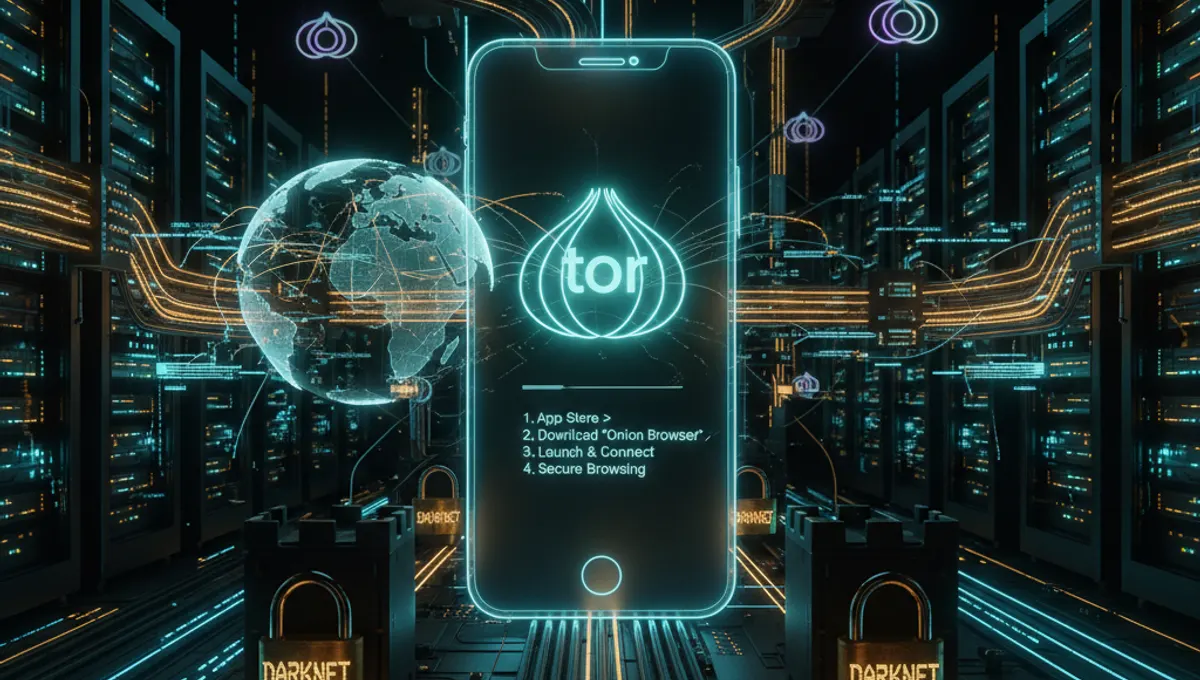
Open the App Store on your iPhone and search for 'Onion Browser'. Tap the Get button, then authenticate using Face ID, Touch ID, or your Apple ID password. Wait for installation to complete. Once installed, tap Open to launch the app. On first launch, Onion Browser automatically connects to the Tor network, which may take 10-30 seconds. You'll see a connection indicator showing when Tor is active. After connection establishes, use the app like any standard browser. Enter URLs in the address bar and browse normally. The app handles all Tor routing automatically without requiring manual configuration.
Comparing iPhone Installation to Other Platforms
Installing Tor on Windows, Mac, and Linux involves downloading the official Tor browser directly from the Tor Project website. These desktop versions offer more advanced configuration options and features compared to iOS apps. Android users can install Tor browser APK or use Orbot for similar functionality to iPhone users. The core difference is that iPhone users depend on App Store-approved applications rather than direct Tor browser installation. Despite this limitation, the privacy protection level remains comparable across all platforms. Each platform's approach reflects its operating system's security model and app distribution system.
Performance and Connection Considerations
Tor connections on iPhone may be slower than standard browsing since traffic routes through multiple nodes worldwide. Initial connection establishment typically takes 10-30 seconds. Some websites block Tor traffic, displaying error messages or CAPTCHAs. Video streaming and large file downloads work but may experience reduced speeds. Battery usage increases when Tor is active due to continuous encryption and routing processes. Consider disconnecting from Tor when not needed to preserve battery life. Connection reliability depends on Tor network status and your internet connection quality. Restarting the app usually resolves temporary connection issues.
Security Best Practices for iPhone Tor Users
Keep your iPhone operating system and Onion Browser app updated to receive security patches. Avoid maximizing your browser window or enabling plugins that could reveal your real IP address. Don't combine Tor with other VPN services unless you understand the implications. Disable JavaScript in app settings if available, as it can potentially compromise anonymity. Avoid logging into personal accounts while using Tor unless necessary. Don't download files unless absolutely required, as downloads may reveal your identity. Use strong, unique passwords for any accounts accessed through Tor. Remember that Tor protects your connection but doesn't make you completely anonymous if you reveal identifying information.
Frequently asked questions
Is Tor free on iPhone?
Yes, Onion Browser and other Tor apps for iPhone are free to download from the App Store. There are no subscription fees or hidden costs. The apps are maintained by volunteers and supported through donations. You only need an internet connection to use them.
Can I use the official Tor browser on iPhone?
No, the official Tor browser is not available on iPhone due to Apple's App Store restrictions. You must use third-party apps like Onion Browser that integrate Tor functionality. These apps provide the same privacy benefits through alternative technical implementations approved by Apple.
How long does Tor take to connect on iPhone?
Initial connection typically takes 10-30 seconds after launching the app. This delay occurs as the app establishes connections through multiple Tor network nodes. Subsequent connections may be faster if the app maintains cached circuit information. Connection speed varies based on network conditions and Tor network status.
Will websites work normally through Tor on iPhone?
Most websites work through Tor, but some block Tor traffic or require CAPTCHA verification. Video streaming and large downloads function but may be slower. A few services explicitly reject Tor connections. Generally, text-based browsing and standard web activities work without issues.
Does using Tor on iPhone drain battery faster?
Yes, Tor connections consume more battery than standard browsing because of continuous encryption and routing processes. Expect increased battery drain while Tor is active. Disconnecting from Tor when not needed helps preserve battery life on your iPhone.